> For the complete documentation index, see [llms.txt](https://helpcenter.gitprotect.io/llms.txt). Markdown versions of documentation pages are available by appending `.md` to page URLs; this page is available as [Markdown](https://helpcenter.gitprotect.io/backup-and-recovery/devops/general/lfs-recovery-for-devops-organizations.md).
# LFS recovery for DevOps organizations
Learn how GitProtect restores Git LFS objects alongside repositories to ensure complete data recovery for DevOps organizations.
**GitProtect supports backup and recovery of Git Large File Storage (LFS) content for DevOps organizations, ensuring that repositories configured with Git LFS are protected together with their associated large binary objects. During restore operations, both standard Git data and LFS objects are recovered to preserve repository integrity and maintain consistency across supported DevOps platforms.**
***
## Restoring LFS metadata
**GitProtect** supports the backup and recovery of LFS objects across all supported **DevOps** platforms.
While you can choose whether to include LFS metadata during the recovery process, please note that **LFS must be restored alongside its parent repository**; it cannot be recovered as a standalone item.
{% hint style="danger" %}
If LFS objects are included in your repository’s source code archives, downloading those archives will count toward the repository’s bandwidth usage.
{% endhint %}
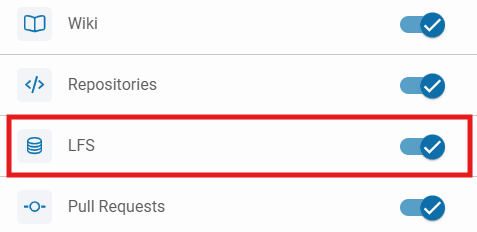
Example of LFS metadata included in Azure DevOps project recovery process.