> For the complete documentation index, see [llms.txt](https://helpcenter.gitprotect.io/llms.txt). Markdown versions of documentation pages are available by appending `.md` to page URLs; this page is available as [Markdown](https://helpcenter.gitprotect.io/backup-and-recovery/devops/gitlab/recovery/recovering-groups.md).
# Recovering groups
In this article, you will learn how to restore data from a GitLab group backup.
## Recovery process
{% stepper %}
{% step %}
Get into the restore view using the following method:
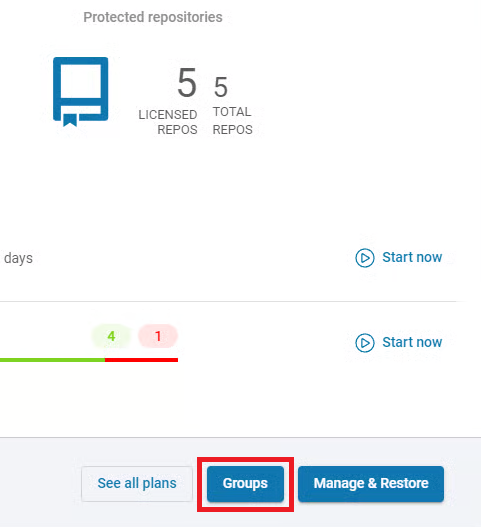
1. Open the **GitLab** tab (**DevOps** > **GitLab**), then click the **Groups** button next to the organization whose backup you want to restore.
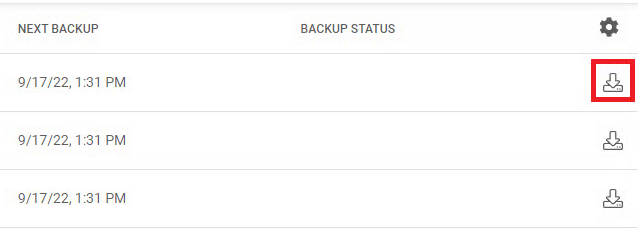
2. Search for the repository you want to restore, and click the **Restore** button in the action menu of that repository.
{% endstep %}
{% step %}
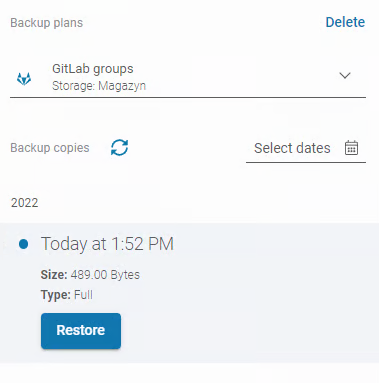
Next, select the backup plan from which you want to restore data. Click **AVAILABLE PLANS** and choose one of the plans from the list.
{% endstep %}
{% step %}
Choose the backup version from all the backups that have already been performed — select the desired date and click the **Restore** button.
{% endstep %}
{% step %}
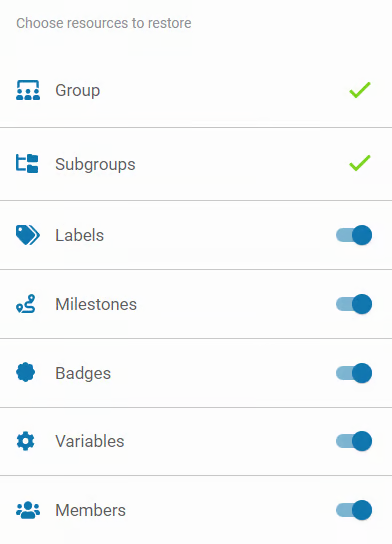
Choose the data you want to restore, or use the default settings.
{% endstep %}
{% step %}
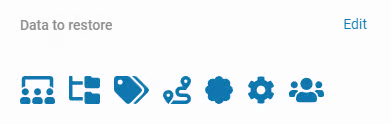
In the next aside, click **Edit** next to **Data to restore** if you need to adjust it.
{% endstep %}
{% step %}
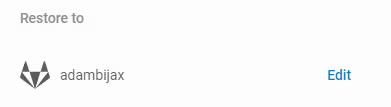
Next, select the destination where you want to restore the data.
{% hint style="danger" %}
There is no option to restore **GitLab** groups to other **Git** providers — they can only be restored between **GitLab** environments.
{% endhint %}
{% endstep %}
{% step %}
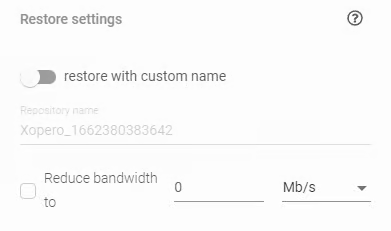
In **Restore settings** you can set a custom name for the repository that will be created during the restore process and limit the internet bandwidth.
{% endstep %}
{% step %}
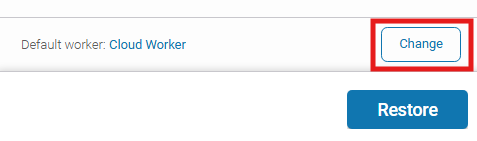
Choose the device that will be responsible for performing the restoration.
{% hint style="success" %}
**Cloud worker** (cloud-installed **GitProtect** **worker**) allows you to perform cloud-to-cloud backups if you want to store your backups in the cloud.
{% endhint %}
{% endstep %}
{% step %}
After defining all parameters, click the **Restore** button to begin the restore process. When the process is complete, a new repository will be created in your organization account.
{% endstep %}
{% endstepper %}
.png?alt=media)